WrightColor FalseColor
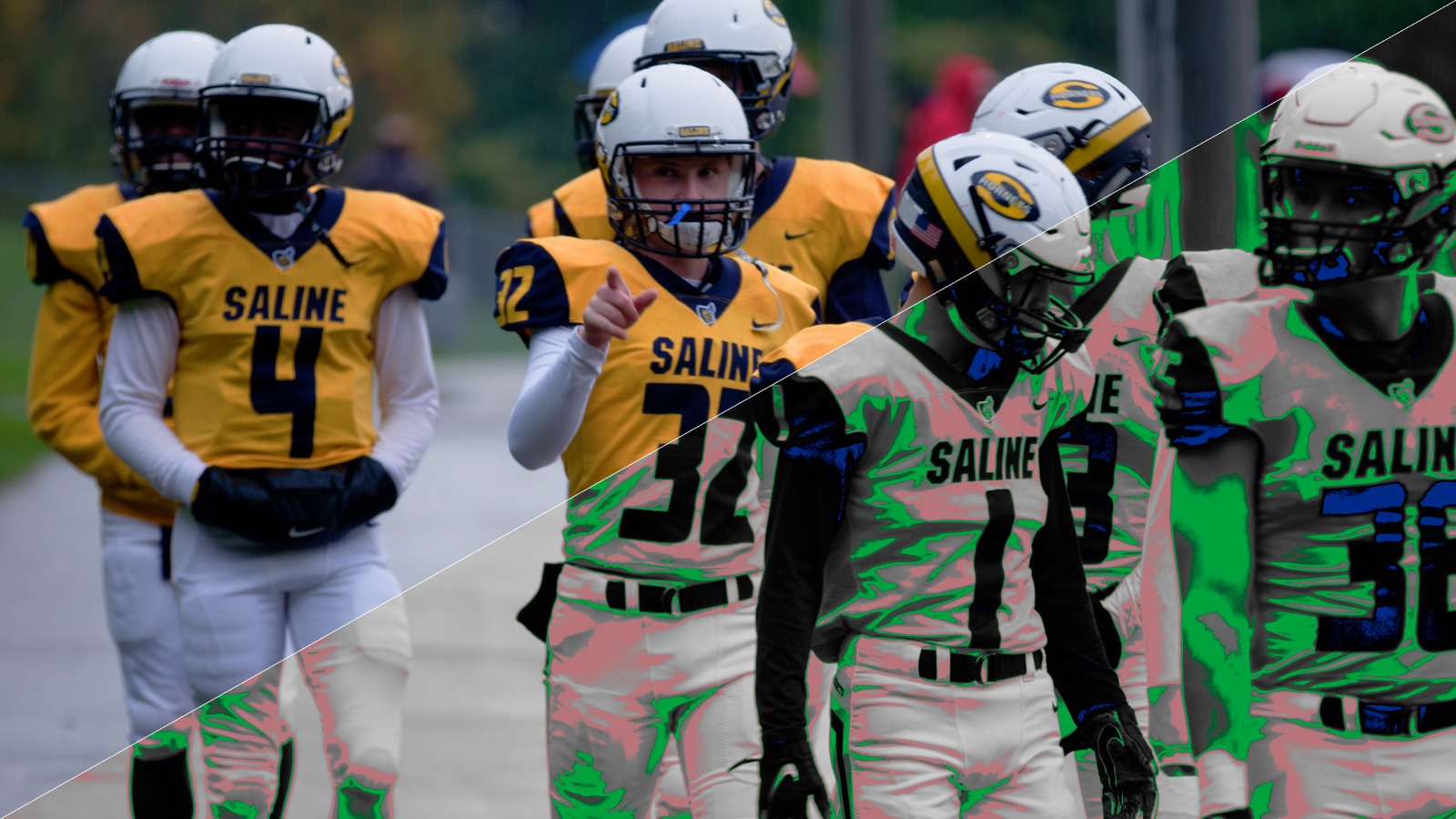
Multi-space false color for exposure QC, with zones grounded in the published ARRI specification. Green sits on middle grey, pink one stop up, yellow warns near clip, red means gone. Eight signal spaces, from ACEScct and DaVinci Intermediate to PQ and HLG, so the zones are correct wherever the node sits in your chain.
For DaVinci Resolve (Studio) only. It is a DCTL.
How it works
FalseColor lays a color-coded exposure map over your picture. Every pixel is measured against the zones that matter: middle grey turns green, one stop over grey turns pink, highlights approaching their limit go yellow then red, and shadows losing detail go blue then purple. A comfortably exposed frame stays mostly untouched, so color only appears where you need to look.
What it enables: you judge exposure by eye, on set or in the grade, without hunting across a waveform. Because it knows the color space the signal is actually in, the chart reads the same on every camera and every clip. Drop a grey card into the green band and your exposure is anchored instantly.
Why that matters: exposure errors are the expensive kind, a blown sky or a crushed shadow that no grade can bring back. FalseColor turns "is this right?" into a glance. And unlike a generic false color that assumes one signal, this one is honest inside a modern ACES or HDR pipeline, where the wrong assumption quietly lies to you.
WrightColor Greyscale Ramp
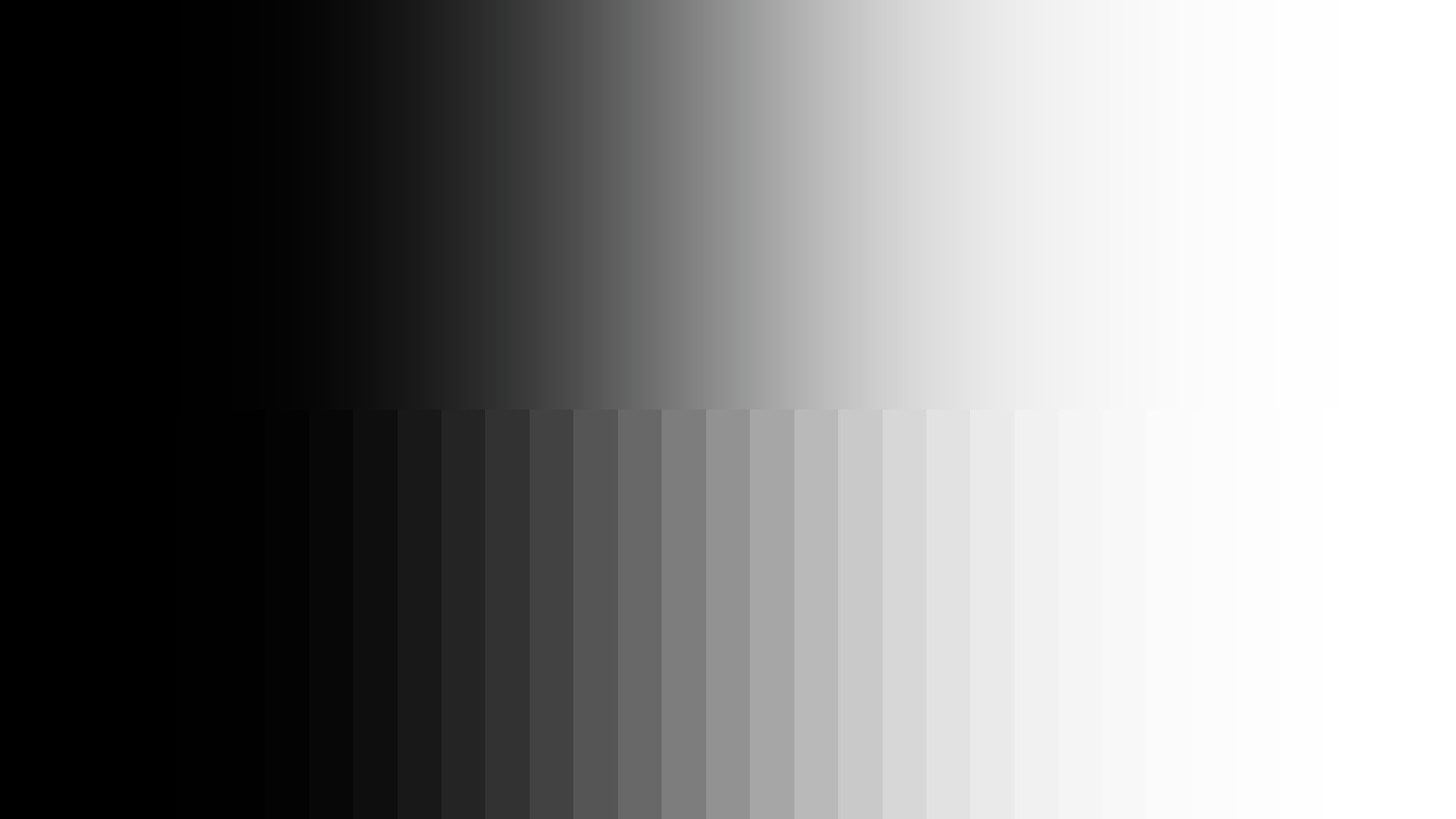
A test-signal generator for scope work: a perfect greyscale code ramp, 33-step and 65-step lattice patterns for LUT diagnostics, and a probe mode that hides test strips at the frame edges while your footage passes through untouched.
For DaVinci Resolve (Studio) only. It is a DCTL.
How it works
The Greyscale Ramp replaces the image on its node with a mathematically perfect gradient from black to white. Drop it upstream of a node and your scope stops showing you footage and starts showing you the grade itself: the waveform draws that node's transfer curve directly, input across the bottom, output as height.
What it enables: you see exactly what any curve, LUT, or operation does to tone. A bypassed chain reads as a straight diagonal; every bend beyond that is your grade. The step modes drop flat patches on a LUT's actual lattice points, so you can read precise values and catch interpolation error between them.
Why that matters: it is the difference between eyeballing a grade and measuring it. Instead of guessing what a contrast curve or a film LUT is really doing to your shadows, you watch the shape. And it is free, so it costs nothing to make your scopes tell the truth.